> For the complete documentation index, see [llms.txt](https://docs.jabref.org/llms.txt). Markdown versions of documentation pages are available by appending `.md` to page URLs; this page is available as [Markdown](https://docs.jabref.org/v5/collect/newentryfromplaintext.md).
# Add entry using reference text
> Entries can be created from a reference text.
In case you have a reference string, JabRef offers the functionality to convert the text to BibTeX (or biblatex). For this, JabRef uses the technology offered by [Grobid](https://github.com/kermitt2/grobid).
Example:
```
O. Kopp, A. Armbruster, und O. Zimmermann, "Markdown Architectural Decision Records: Format and Tool Support", in 10th ZEUS Workshop, 2018.
```
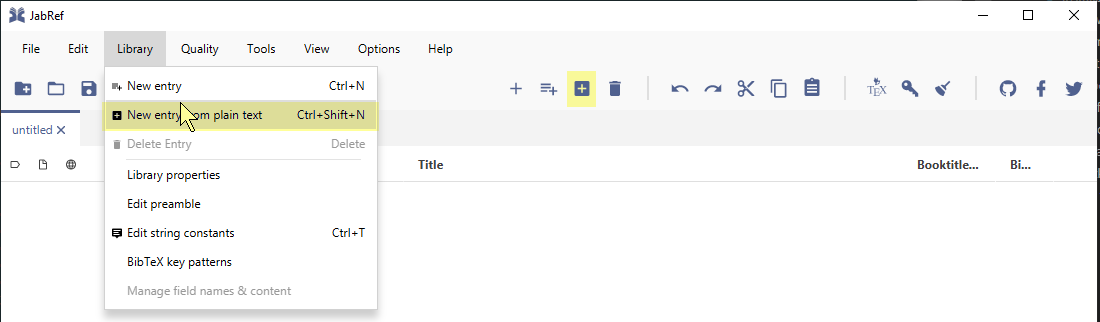
1. Click Library and select "New entry from plain text..." Alternatively, you can press Ctrl+Shift+N.
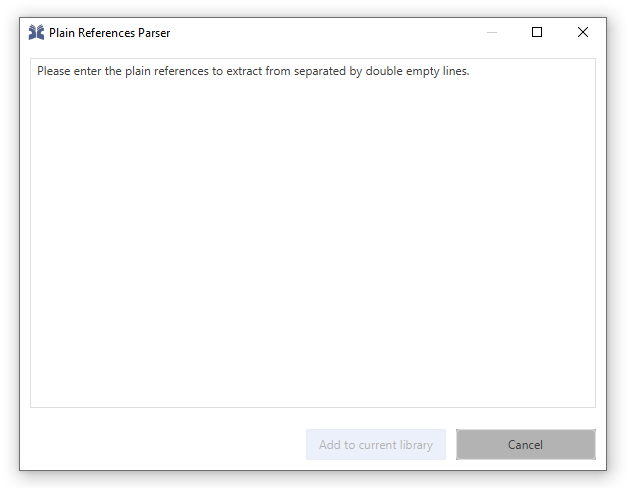
 2. The "Plain Reference Parser" window opens
 3. Paste the reference text:
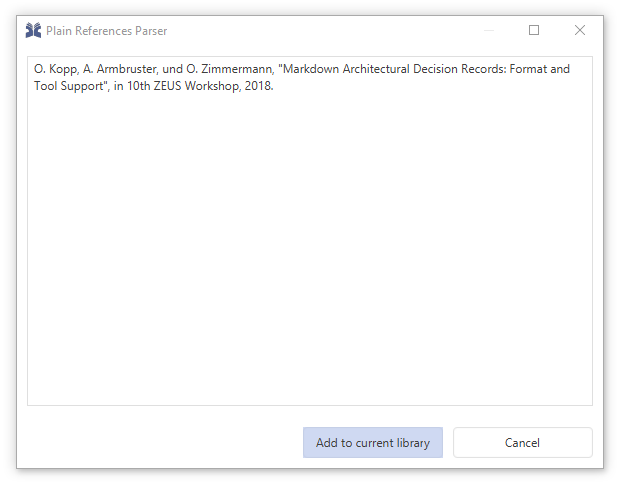 4. Click "Add to current library"
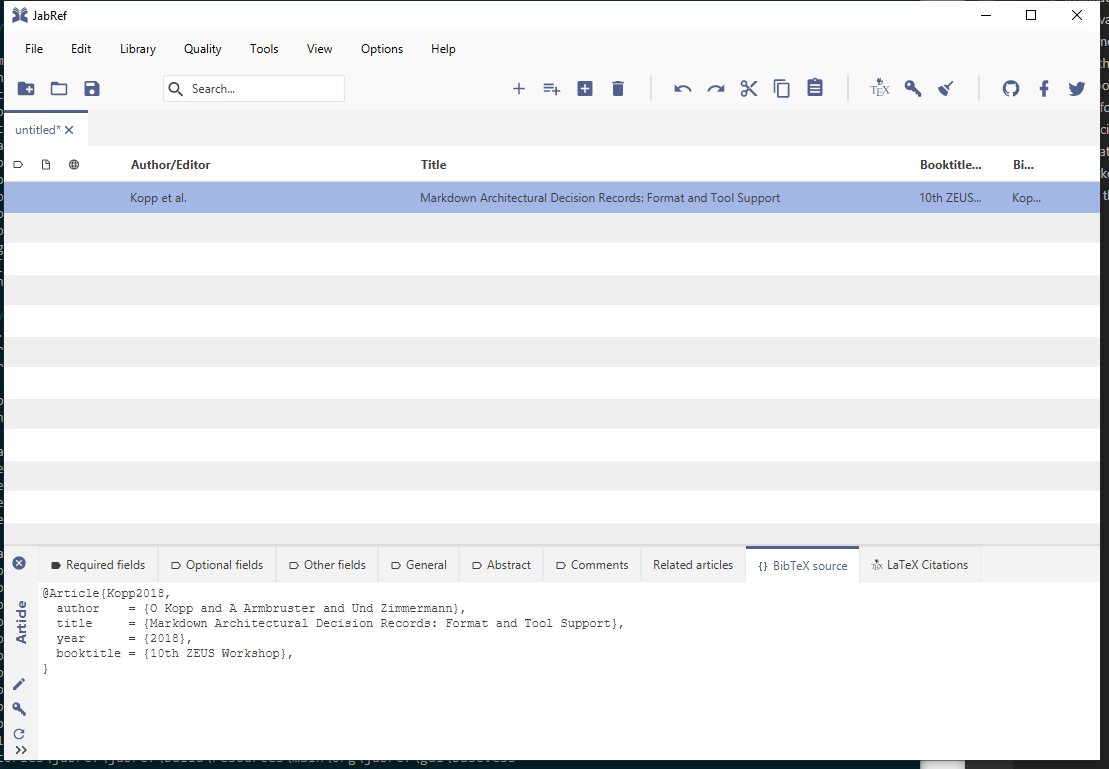
5. The result is selected in the entry table:
4. Click "Add to current library"
5. The result is selected in the entry table: